Independent bands operate as artistic projects and small businesses. Their digital inboxes often become a mix of casual fan interactions, booking inquiries, and logistical questions. When a band’s inbox receives notable traffic, the team must filter this noise. A fan asking about set times needs a fundamentally different response than a talent buyer requesting stage plots or a patron inquiring about venue accessibility. Treating all incoming messages equally can lead to dropped opportunities or the mishandling of vital professional information that requires specialized attention.
Establishing a structured inquiry workflow requires a deliberate approach to triage. The primary goal is to answer public questions, separate fans from professionals, and escalate contracts, payments, and urgent safety matters to the correct person. By defining strict operational boundaries around what is handled in chat versus an approved business process, independent bands can manage their daily operations more smoothly. This methodology explores how to build that foundational framework, categorize incoming messages consistently, and maintain professional control over your digital front door without losing fan connection.
The Complexity of Band Communications
Managing a band’s online presence involves interacting with audiences who have different expectations. Fans reach out for connection, merchandise questions, or event details. Industry professionals initiate conversations about booking, press coverage, or sponsorships. Mixing these streams creates operational friction. When a venue coordinator messages about a soundcheck delay, it should not be buried beneath fan questions.
Furthermore, chat interfaces encourage sharing information too freely. A promoter might attempt to send a contract draft, or a fan might submit payment details. A solid workflow actively routes sensitive conversations to appropriate processes, acknowledging every message while guiding users to the correct channel and reducing the likelihood of processing critical business in a casual setting.
Triage Framework for Messenger Inquiries
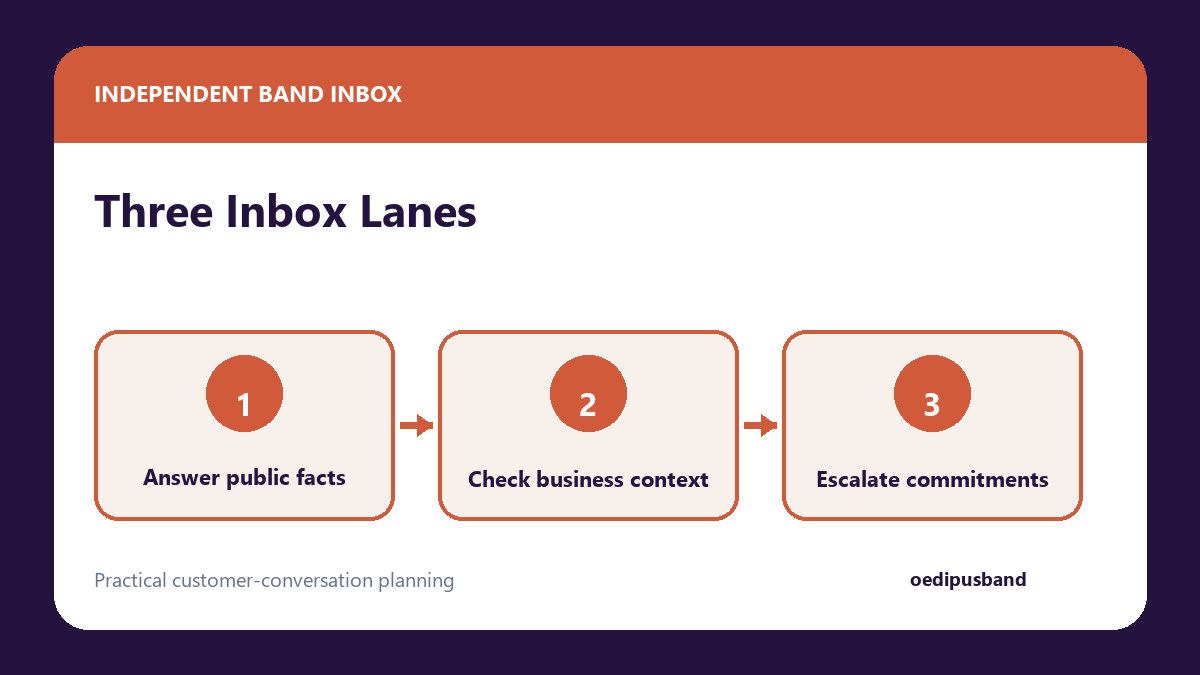
To effectively manage incoming messages, your team must agree on a standardized triage system. The triage framework relies on sorting conversations into three operational buckets: matters that are safe to answer directly in the main chat, matters requiring initial verification before proceeding, and matters that must be escalated to a human team member outside the chat platform entirely. Implementing this sorting layer at the very beginning of the interaction stops backlogs from forming.
The table below outlines how to classify these common inquiries so your team knows how to proceed.
| Inquiry Classification | Description & Examples | Action Required |
|---|---|---|
| Safe-to-Answer | Stable public questions: door times, ticket links, merch availability, parking locations, and tour dates. | Provide direct, factual answers using approved templates within the chat. |
| Verify-First | Industry or semi-private requests: press list access, local opener pitches, interview requests. | Ask for more context or standard business references before proceeding. |
| Human-Only Escalation | Sensitive or complex issues: contracts, licensing, accessibility needs, safety concerns, complaints, and urgent event matters. | Immediately route to a human manager. Move the conversation into your approved business process. |
Implementing a Safer Workflow Architecture
Transitioning to a structured triage system requires mapping out how messages flow from receipt to resolution. Teams should establish guidelines to distinguish fans from booking inquiries based on conversational cues. Once intent is identified, the structured workflow dictates the next step: applying a specific label, sending an informational response, or pausing the chat entirely to notify a manager. By establishing this roadmap beforehand, team members never have to guess how to respond to an unusual request.
Various platforms assist with organizing this flow. For instance, you might look into how to handle Messenger lead follow-up as one option to evaluate for your team. Current features available in such platforms can include comment and DM capture, BYOK (Bring Your Own Key) AI reply drafts, human review controls, lead qualification, and customer-conversation workflows. It is essential to ensure you always preserve human review before any AI-assisted draft reaches anyone. Keeping a human in the loop maintains an authentic tone and reduces the likelihood that an automated system misinterprets complex communications.
Numbered Implementation Sequence
To put this framework into practice, follow this numbered implementation sequence.
- Audit Past Conversations: Review inbox history to identify common questions and frequent miscommunications.
- Draft Standard Responses: Create a central document containing approved language for safe-to-answer questions.
- Define Routing Protocols: Establish which team member is responsible for verify-first and human-only inquiries.
- Configure Inbox Tools: Set up labels, tags, or folders to visually separate the three categories.
- Establish the Review Policy: Mandate that all drafted replies undergo a human check before transmission.
- Conduct a Team Training Session: Walk all members through the new protocols and establish clear boundaries.
Structuring the Staff Handoff
When a conversation falls into the human-only category, the handoff should be seamless. A proper handoff gracefully acknowledges the message, clearly explains the next step, and removes the burden of resolution from the fast-paced chat interface.
Use this staff handoff checklist:
- Confirm receipt of the message gracefully without making commitments.
- Identify the internal team member who will handle the request.
- Provide the appropriate contact method for the specific department.
- Request that the user send their inquiry to that approved business process.
- Document the interaction in internal notes, especially if it relates to how to handle admin, email splits, and paperwork, ensuring the team expects the follow-up.
- Archive or label the chat as escalated to prevent duplicate responses.
Keeping Sensitive Information Out of Chat
A cornerstone of a managed workflow is enforcing boundaries around sensitive data. Chat platforms are intended for casual communication, not structured business processes. Bands must avoid collecting payment details, state-issued identification, contract documents, health information, or other sensitive details in chat.
If a promoter sends a performance agreement via Messenger, request it be moved into your own approved business process. If a fan asks about accessibility accommodations involving health details, that conversation must also move out of chat immediately. Teams should move sensitive business matters into their own approved business process and follow applicable advice. Do not claim or assume that email is inherently secure; simply handle information according to standard organizational workflows. Never ask for credit card numbers through chat; redirect buyers to standard checkout systems. Additionally, review Meta’s automated greeting instructions to help set baseline expectations before users even send a message.
Measurement Guidance for Your Workflow
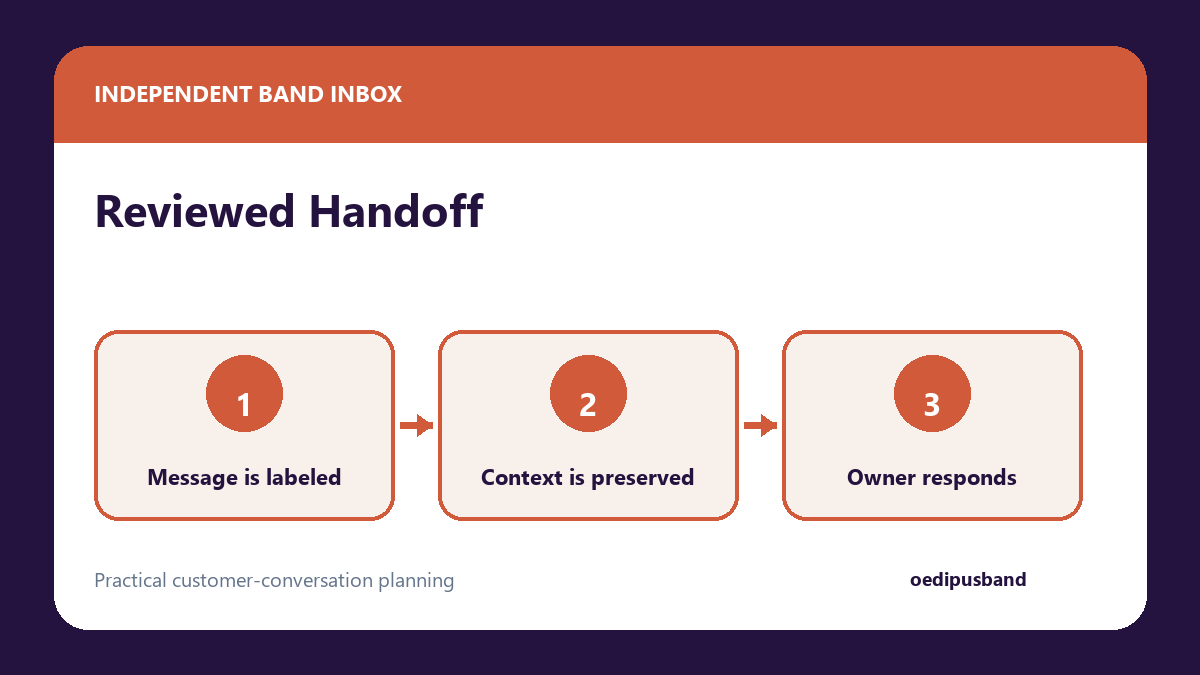
Once your workflow is in place, measure its effectiveness through internal process improvements rather than seeking external performance guarantees. First, track initial response time for safe-to-answer questions. Second, monitor the consistency of your escalation process to ensure complex inquiries reach the manager promptly. Third, track the frequency of misdirected messages; if users attempt to submit sensitive data less often, proactive redirection is working. Finally, review your human-in-the-loop audit logs. Periodically check that all AI-assisted drafts were actually reviewed by a staff member before being sent, ensuring operational guidelines are actively followed.
Frequently Asked Questions
How should we handle urgent event matters like a venue changing door times?
Categorize these as human-only escalations. The monitor should immediately notify the band manager. The public response should simply acknowledge the situation and state that official updates will be posted to the main page feed shortly.
What is the best way to distinguish fans from booking inquiries?
Fans typically ask about consumer-level details like ticket pricing or merchandise colors. Booking inquiries contain industry terminology like tour routing, backline needs, or stage plots. If an inquiry uses professional terminology but remains vague, classify it as verify-first and ask for standard business references before providing detailed answers. Once a booking is confirmed through the band’s approved process, appointment reminder templates can help keep the agreed next step visible without replacing the manager’s review of contracts, payment or access details.
Why is human review so important?
Human review provides context and operational awareness. Automated systems cannot consistently evaluate nuance or tone. Preserving human review helps prevent miscommunications and supports standard business operations.
Can we process small merchandise sales through Messenger?
No. Actively avoid collecting payment details in chat. Always redirect fans to your standard checkout systems to process merchandise or ticket orders.
Next Steps for Your Inbox
Finalize your transition to a structured inquiry management system by completing this final seven-point next-step checklist:
- Define roles for every team member with inbox access.
- Distribute the master document containing safe-to-answer templates.
- Set up inbox labels to reflect the three operational categories.
- Draft a clear template for redirecting business inquiries to your approved business process.
- Establish an internal communication channel exclusively for urgent escalations.
- Evaluate current options for comment and DM capture or lead qualification workflows that match your team’s capacity.
- Schedule a monthly team review session to update response templates and refine the triage process as your audience and operational needs grow.




0 Comments